Point at the menu. Read it in English.
One photo becomes a reflowed translation you can actually read — plus notes on what the menu itself says.
Join the waitlist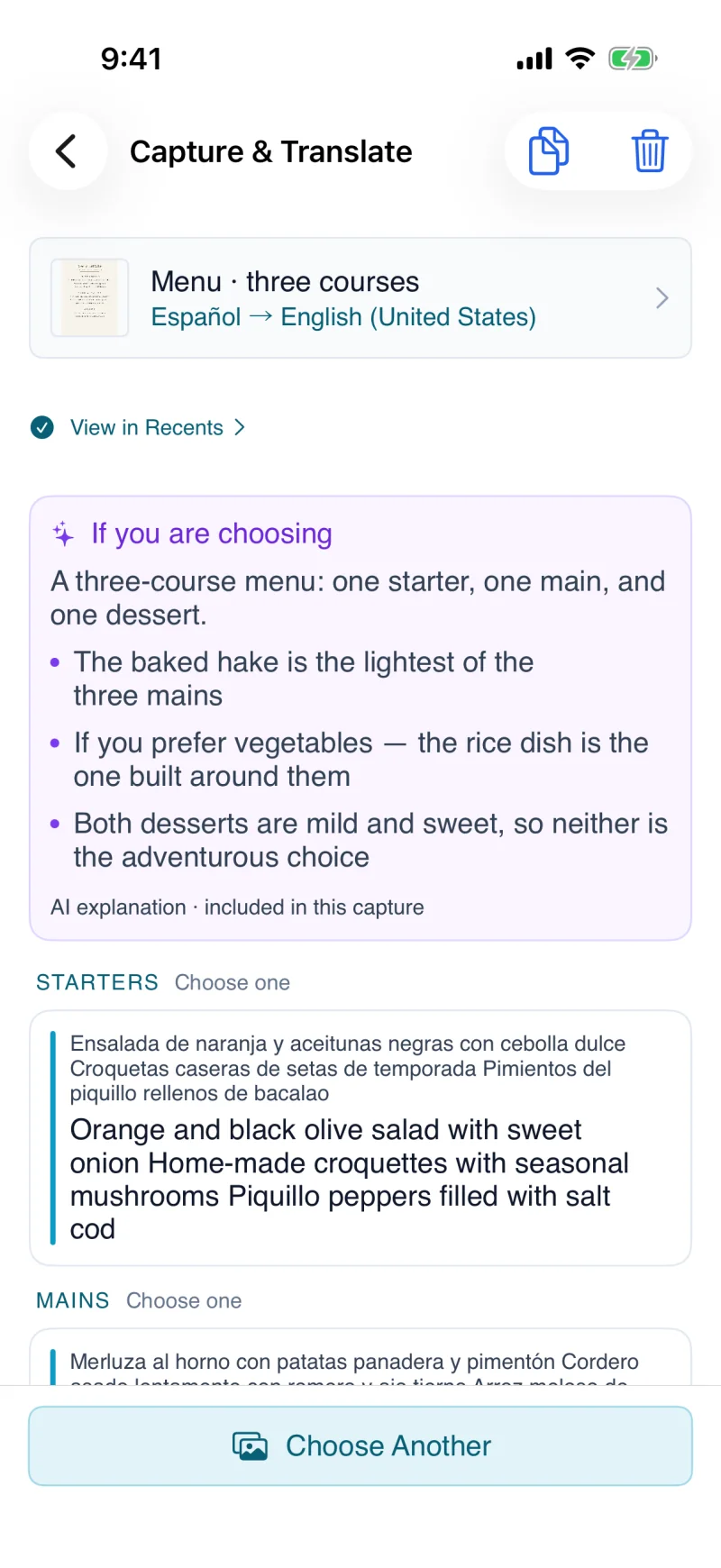
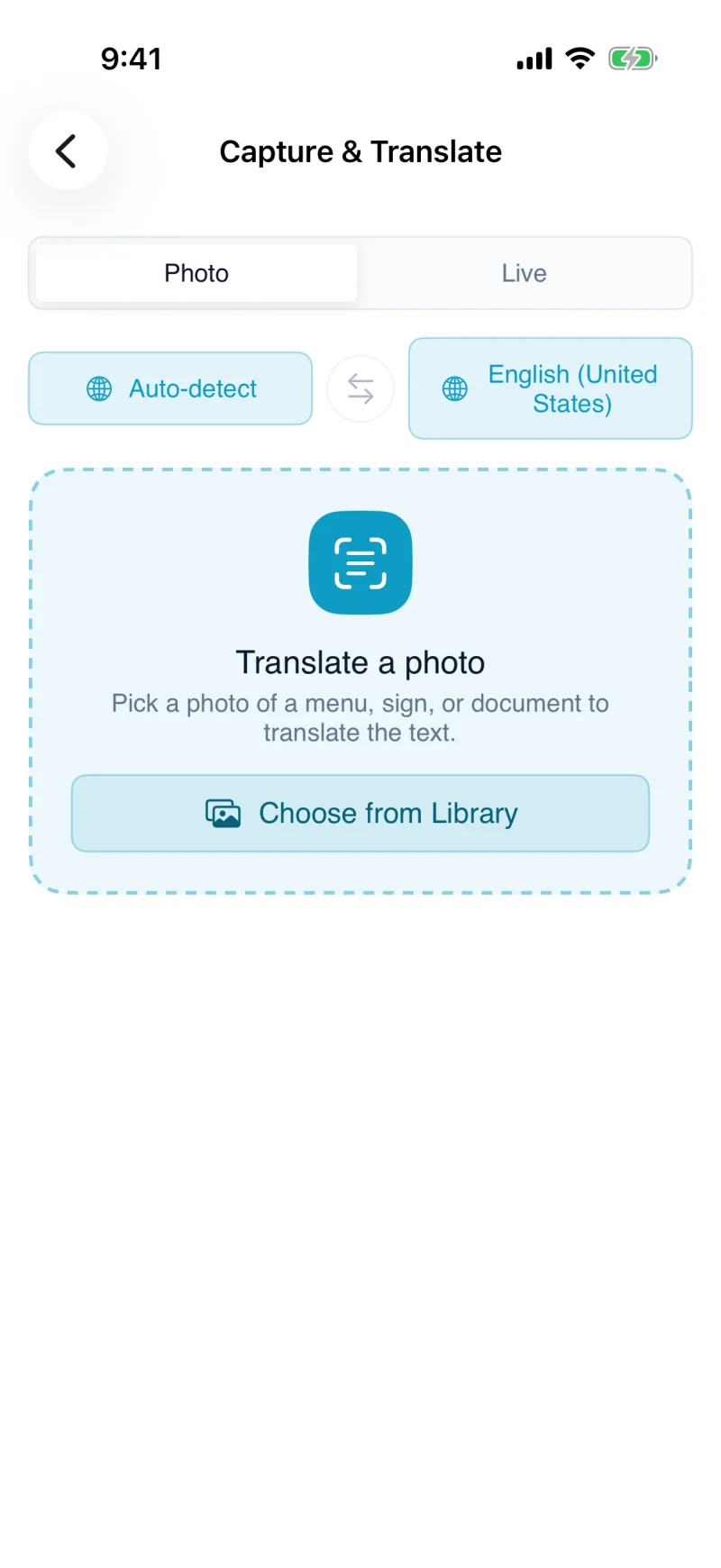
- 1CaptureA menu, sign, or document
- 2TranslateKeep source and translation together
- 3UnderstandAI explains what is in the photo
Capture & Translate
Capture & Translate reads printed text through your camera — a sign, a menu, a label, a form — and translates it on screen using on-image text recognition (OCR).
Use it to read printed text you cannot read yourself — menus, signage, packaging, or paperwork — at home or while traveling.
Capture & Translate needs an internet connection to translate the captured text. It works on text it can see clearly, so good lighting and a steady aim help.