Live speech, translated as it happens
One iPad on the table turns the Spanish in the room into English you can read — the original and its translation, line by line. Nobody else installs anything.
Join the waitlist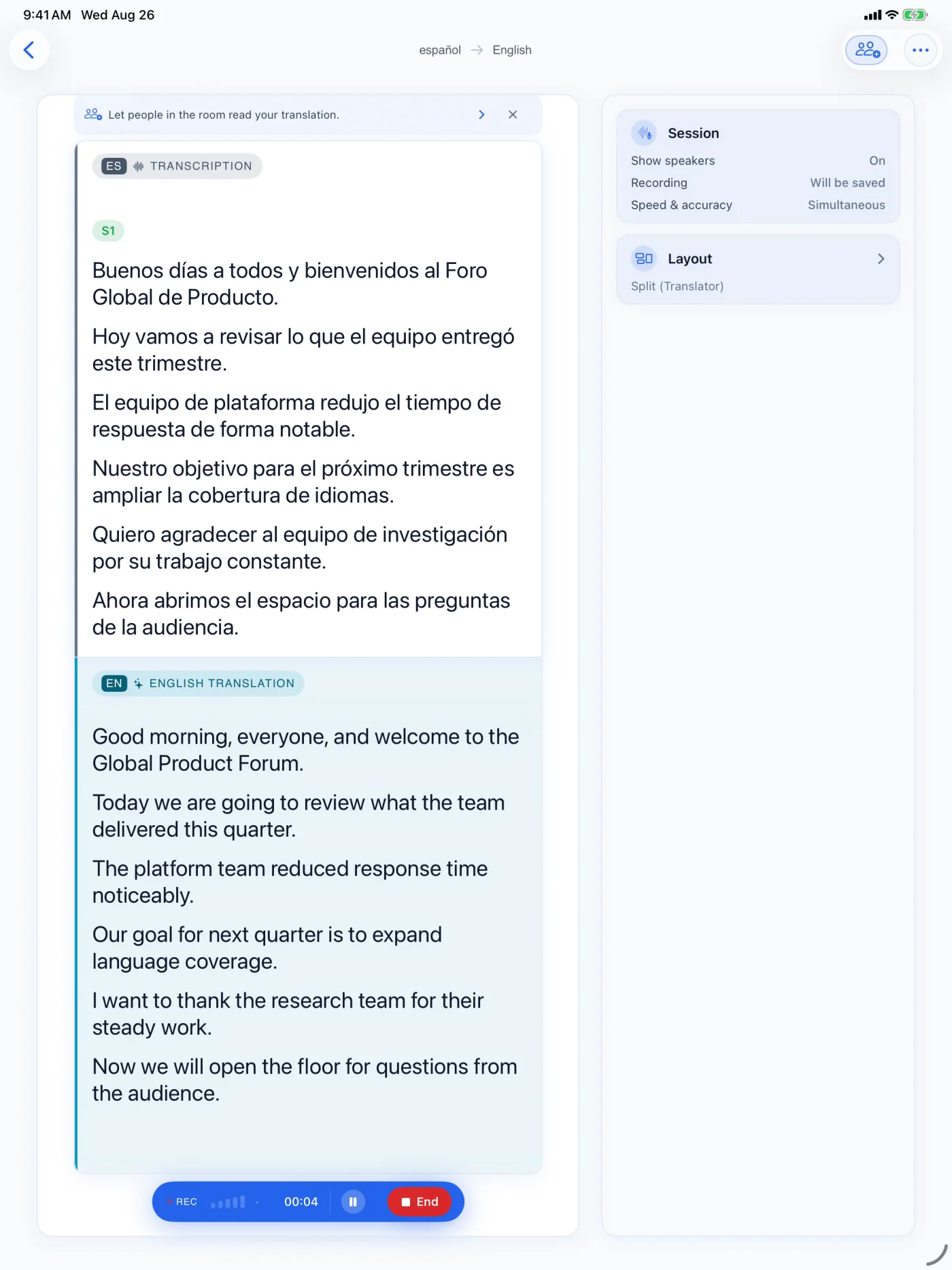
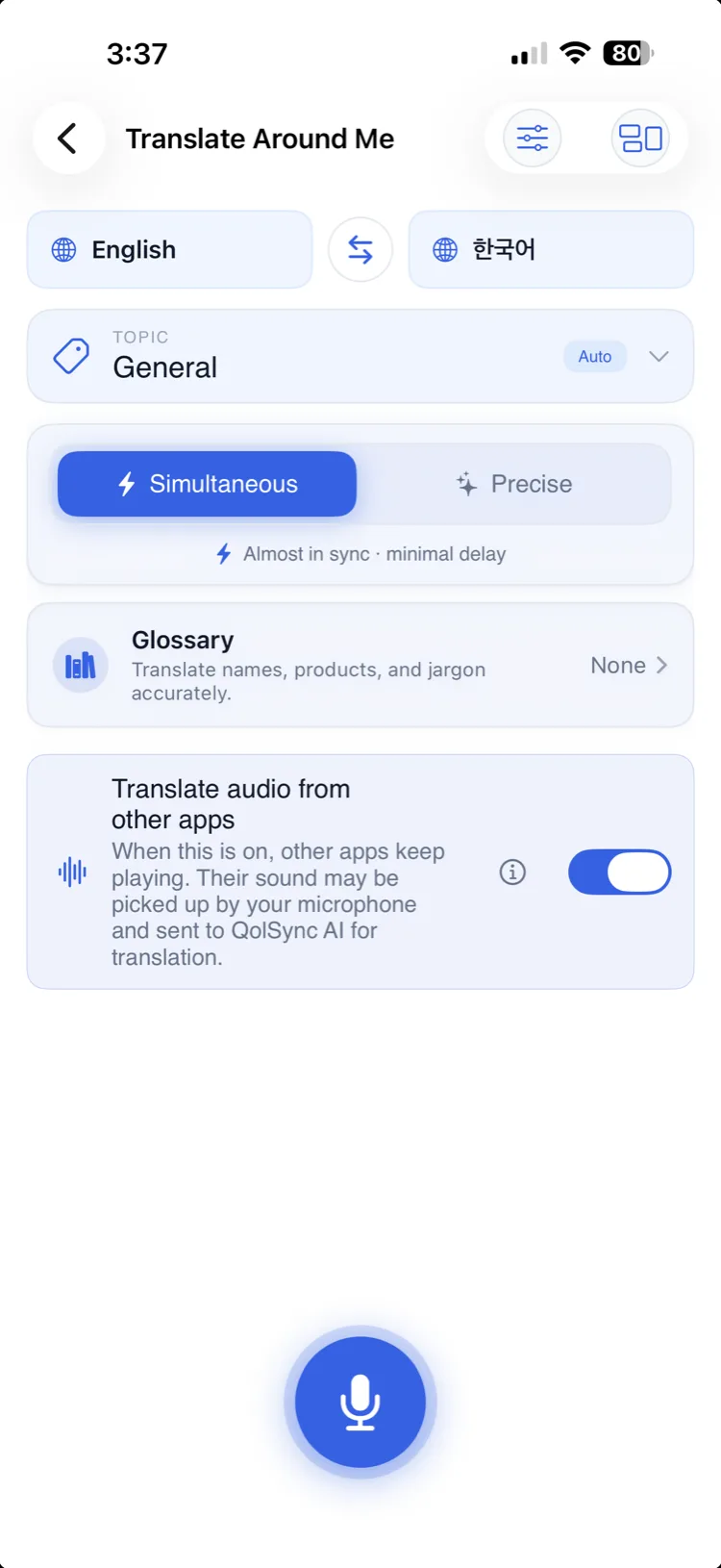
- 1StartChoose what you want to read
- 2ResultOriginal and translation stay together
- 3ReuseSave, listen, or export later
Translate Around Me
Translate Around Me listens to the speech around you — a lecture, a meeting you are sitting in, or a person standing nearby — and shows a running translation in your language on screen, in real time.
Use it to follow a talk, a class, or a conversation in a language you do not speak, reading along as the other person speaks.
Translate Around Me needs an internet connection: your speech is streamed for transcription, and the app saves the resulting transcript on your device. If the selected route uses our server, its live transcript copy is kept until you delete it or your account. Recording the session is optional and stays local.