The recordings you never played again
Send a voice memo or an audio file straight from the share sheet and get it back as something you can read, search and question.
iPhone and iPad now · Web beta planned
Join the web beta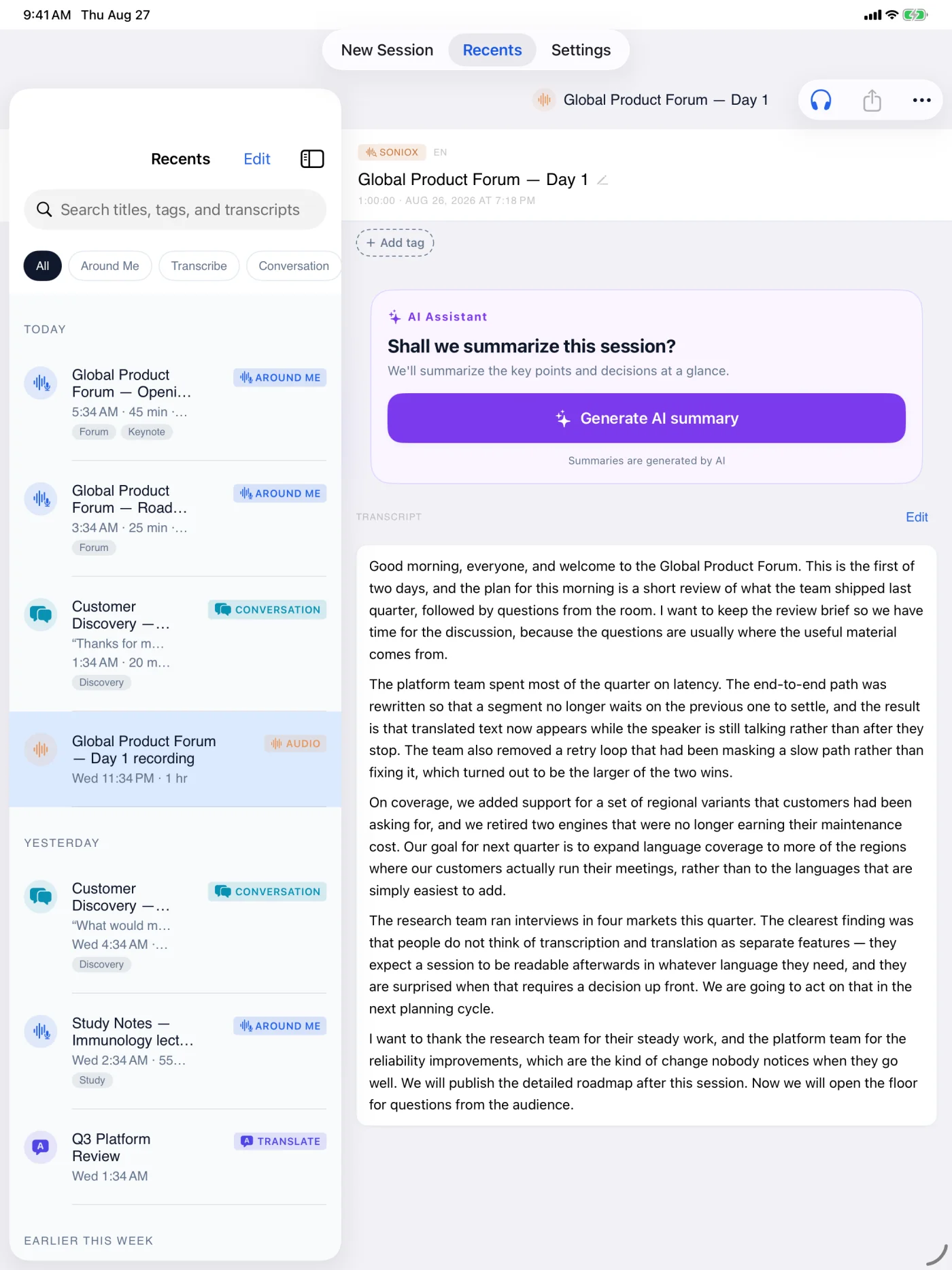
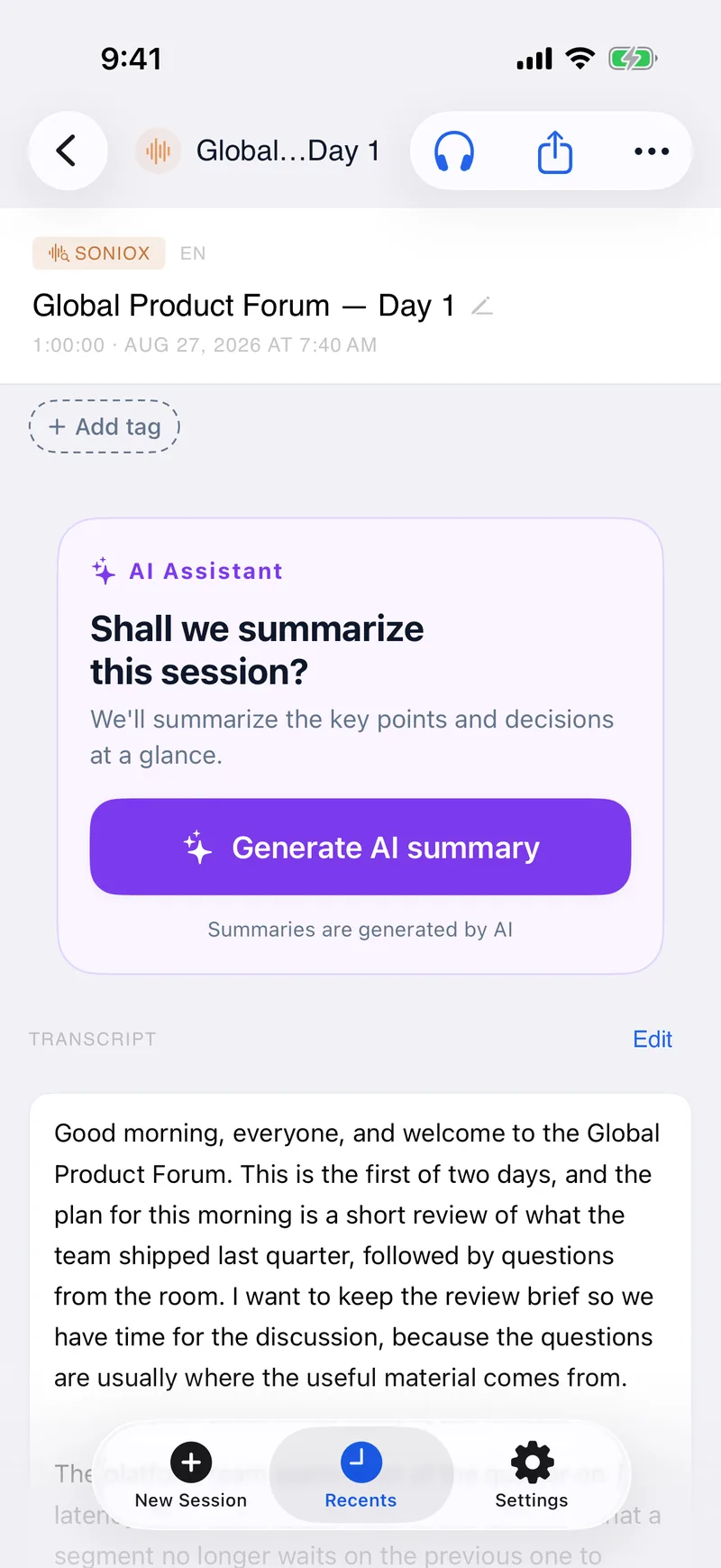
- 1ImportBring an existing recording
- 2ResultReview the completed transcript
- 3ReuseSummarize, ask, listen, export
Audio Files
Audio Files takes a recording or file you already have and turns it into a transcript and translation. Uploaded files come back with speaker labels so you can tell who said what.
Use it for a recorded talk, an interview, a voice memo, or an audio file you want transcribed and translated after the fact.
Files you import are processed on our servers, and the original file is deleted after processing. The completed server Content Library result remains until you delete the item or your account. The app saves the resulting transcript on your device. You will need an internet connection to upload and process a file.