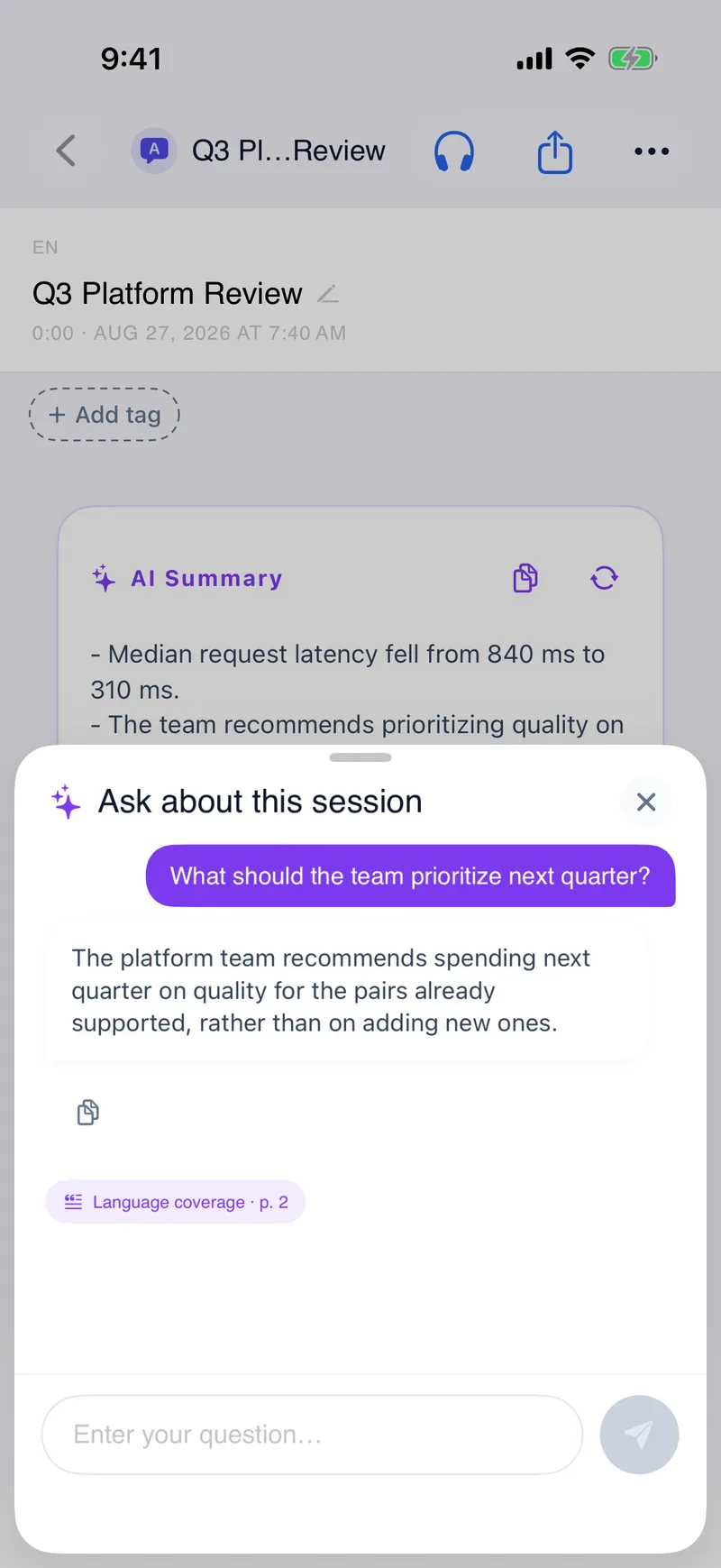
Every answer points back to the page
Bring a PDF or a Word file — up to 2,000 pages — read it in your language, then ask it questions. The answers name the section and page they came from.
iPhone and iPad now · Web beta planned
Join the web beta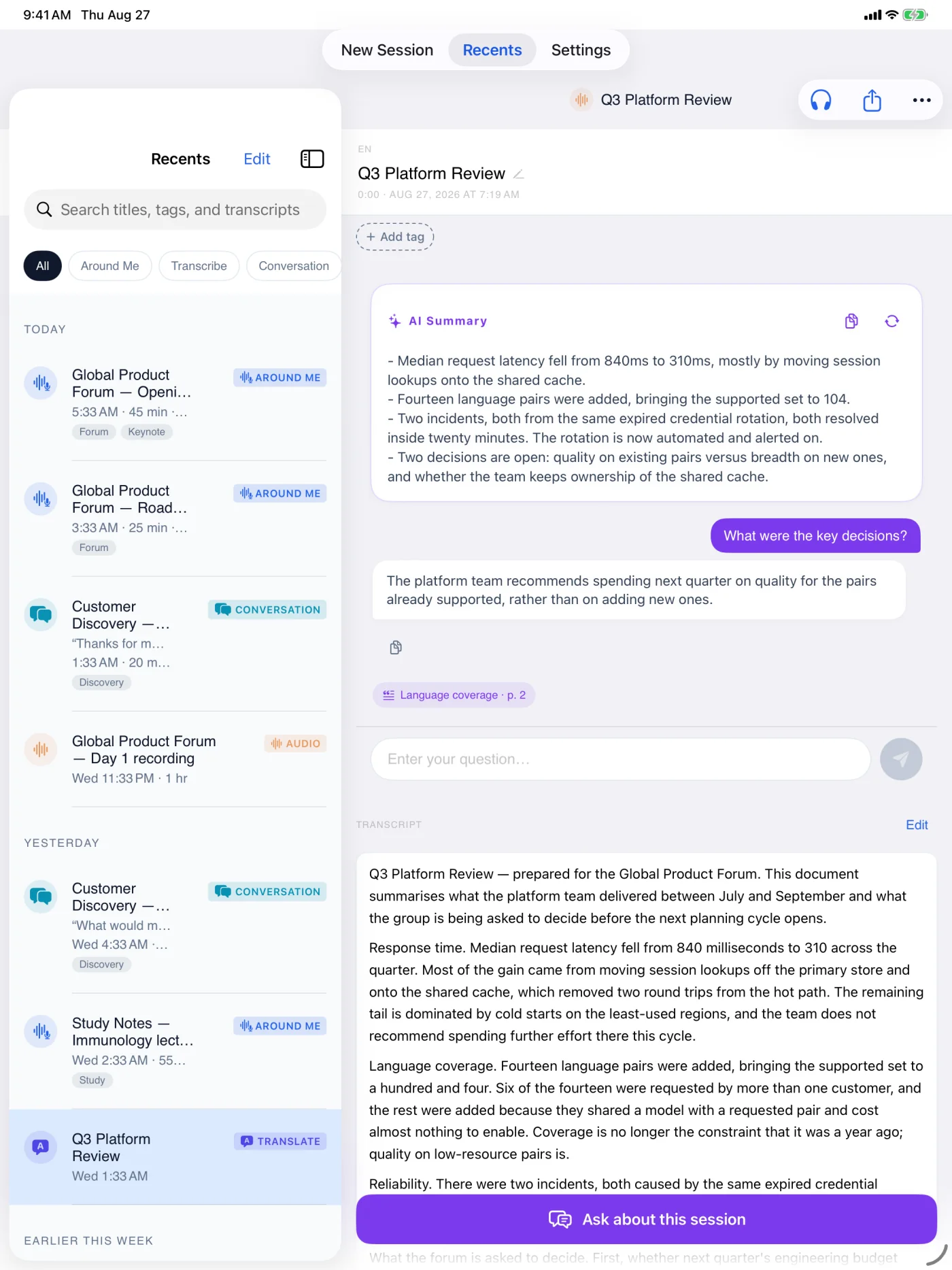
- 1AddPDF, Word, link, or pasted text
- 2UnderstandSummary, answer, and page citation
- 3ReuseTag, listen, or export
Documents & Web
Documents & Web takes something already written and reads it back to you in your language. Hand it a PDF or a Word (.docx) file, paste a link to a web page, or paste the text itself. Long files are handled whole rather than a page at a time: a single document can run up to 2,000 pages, and we tested end-to-end on a 1,288-page book. How many pages you can run at once depends on your plan, and points cover the rest. Once a document is translated it joins your library, so you can summarize it or ask it questions later.
Use it for a textbook chapter, a research paper, a contract, a manual, a report, or any web page you would otherwise paste into a translator a paragraph at a time.
Files you import are processed on our servers, and the original file is deleted after processing. The completed server Content Library result remains until you delete the item or your account. When you ask a question about a long document, the answer points to the passages it came from — shown in your language when a translation exists for them, and in the original when it does not. You will need an internet connection to upload and translate a file.